User Types
What are User Types? User Types overview
How do I add a new or edit an existing User Type? Adding or editing a User Type
How do I disable a User Type? Disabling a User Type
User Types overview
The ITCC system enables you to classify your users into user types. The system includes predefined user types.
You can use the user types provided by ITCC, or you can customize them or add your own user types.
For example, an organization can use the following user types:
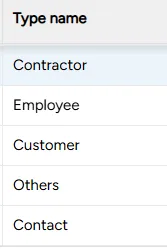
Setting up user types
You can set up user types at any time.
To set up user types:
On the left side menu, select Administration.
In the search bar under Search for Admin Configuration Options, type User Types and select the User Types option that appears.
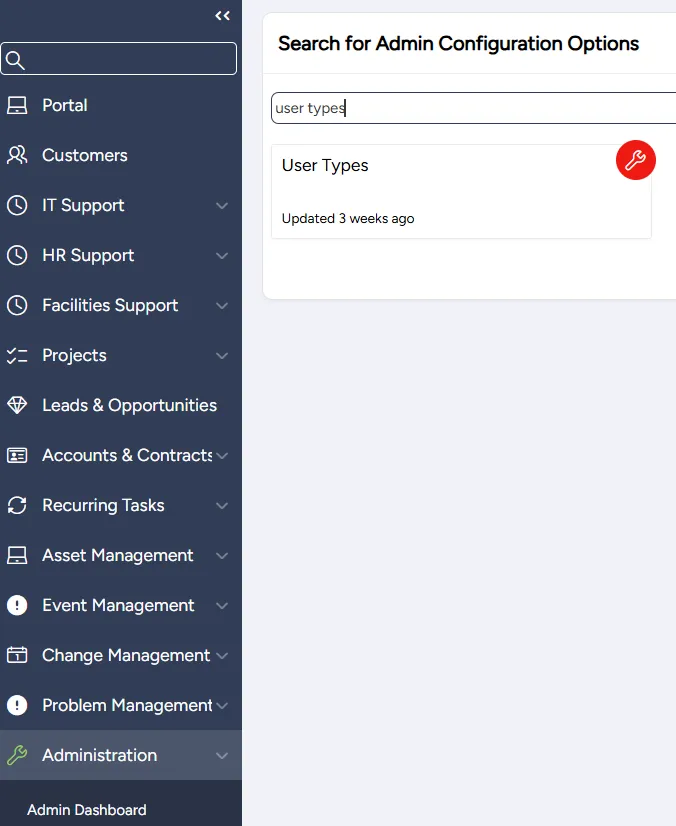
Adding or editing a User Type
You can add a new User Type or edit an existing User Type at any time.
To add or edit a user type:
On the User Types page:
- to add a User Type: select Add Row
- to edit a User Type: click on the cell you want to edit
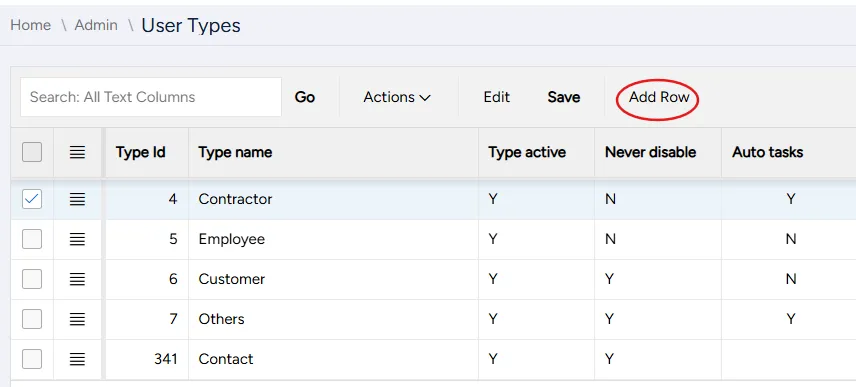
Enter or edit the User Type's settings:
Field | Description |
|---|---|
Type ID | Assigned automatically by the system |
Type Name | Enter a meaningful name for the user type |
Active | Select:
|
Never Disable | Select:
|
Create Auto Tasks | Select:
|
Require Additional Info | Select:
|
Form | Select a form to attach to this user type |
History | Select to view the edit history of this user type |
Clone | Select to clone this user type |
Disable Login | Select:
|
Disable Customer Change | Select:
|
Select Save.
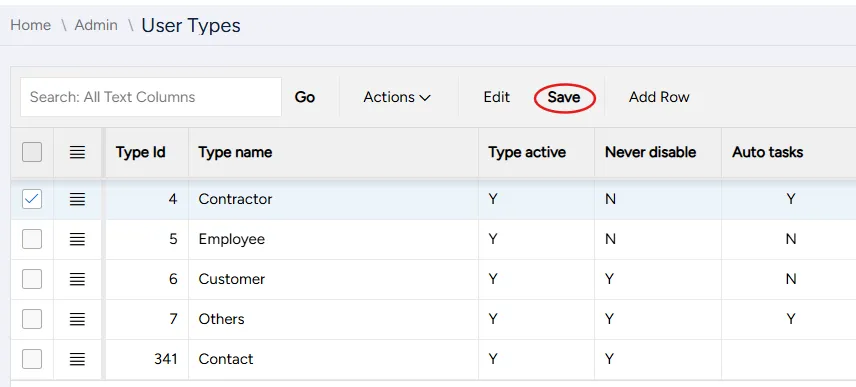
Disabling a User Type
You can disable a User Type at any time. You can also enable a disabled user type at any time.
To disable a user type:
On the User Types page, click on the cell in the Type active column in the row corresponding to the user type you want to disable.
From the dropdown menu, select N.
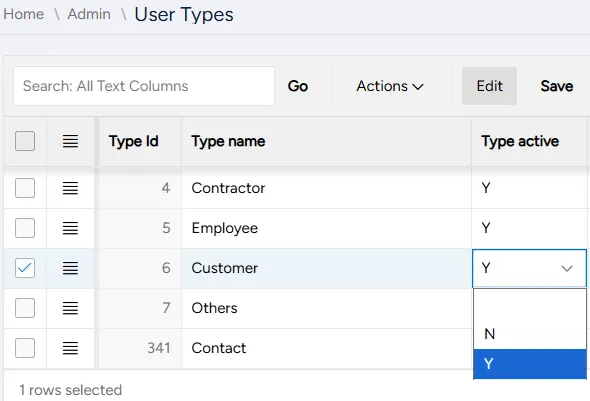
Select Save.