Relate Asset widget
This widget enables a user to open a ticket regarding an existing asset, even if the asset is not currently assigned to this user.
For example, if a customer is reporting a malfunction of a printer, the customer can associate this printer with the ticket, even if the printer is not assigned to this customer. When the customer opens the ticket, the widget will display the list of assets to choose from.
By default, this widget is available to all users, including end users.
Adding or editing a Relate Asset widget
You can add a new or edit an existing Relate Asset widget at any time.
To add or edit a Relate Asset widget:
In the list of widgets, turn on the toggle for the Relate Asset widget.
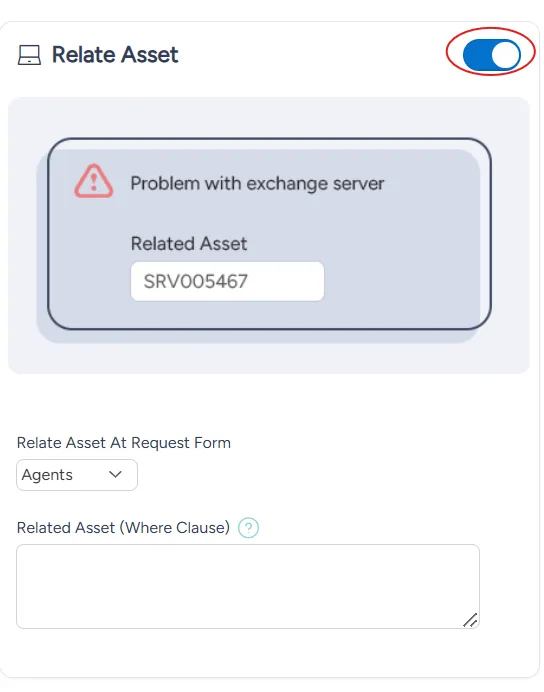
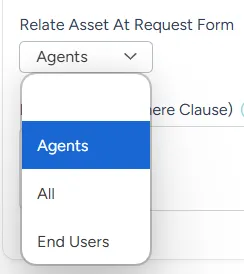
From the Relate Asset At Request Form dropdown menu, select whether this widget is available to:
- Agents
- End users
- All
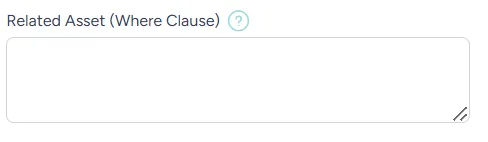
(Optional) If you want to narrow down the assets available, type the relevant query in the Related Asset (Where Clause) box.
At the bottom right of the page, select Save.