HTML Notes widget
2 min
This widget enables you to add notes in HTML format to a ticket form. The notes can be displayed at the top or at the bottom of the form.
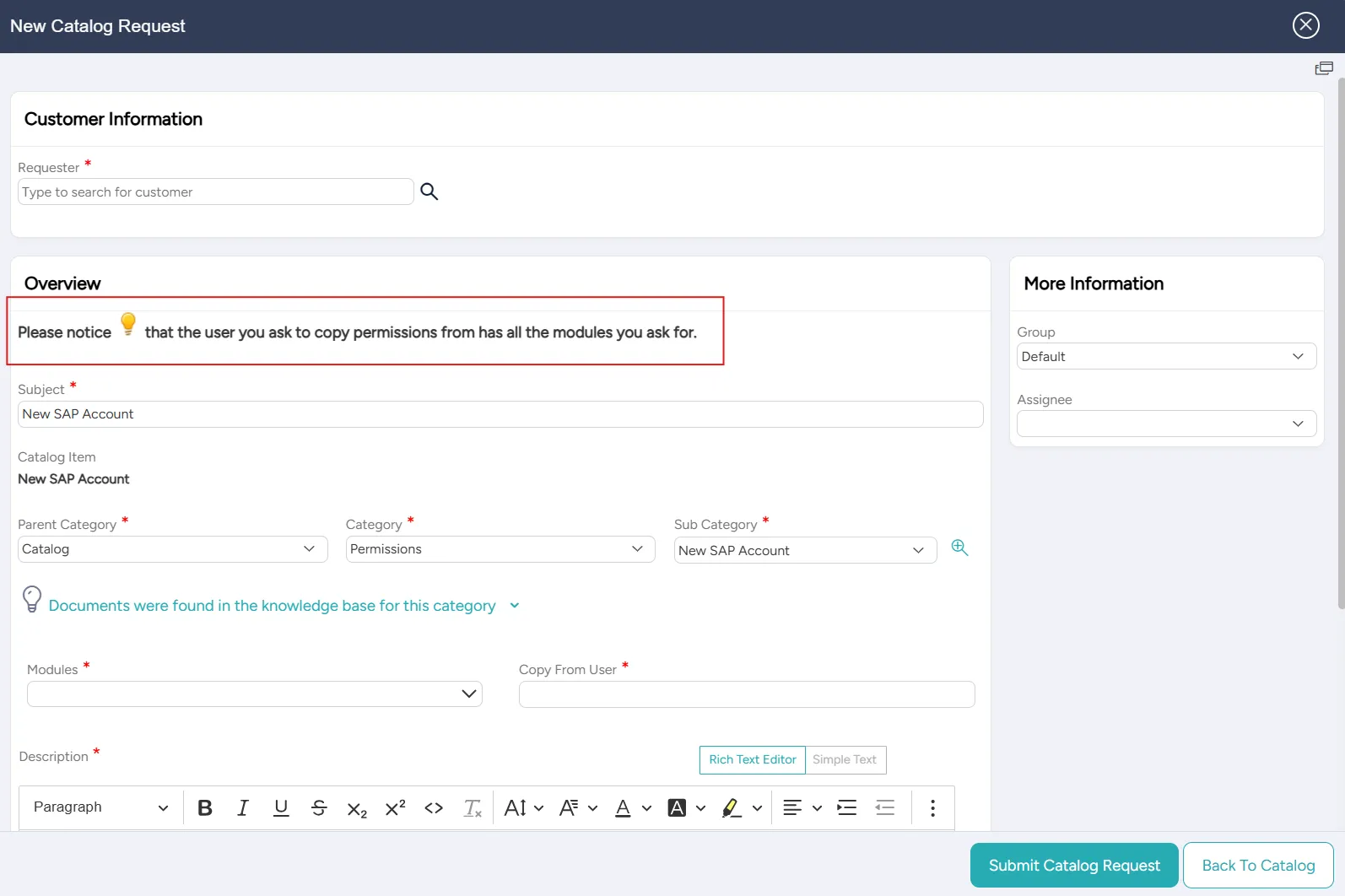
For example, in this ticket form, an HTML note appears at the top:
Adding or editing an HTML Notes widget
You can add a new or edit an existing HTML Notes widget at any time.
To add or edit an HTML Notes widget:
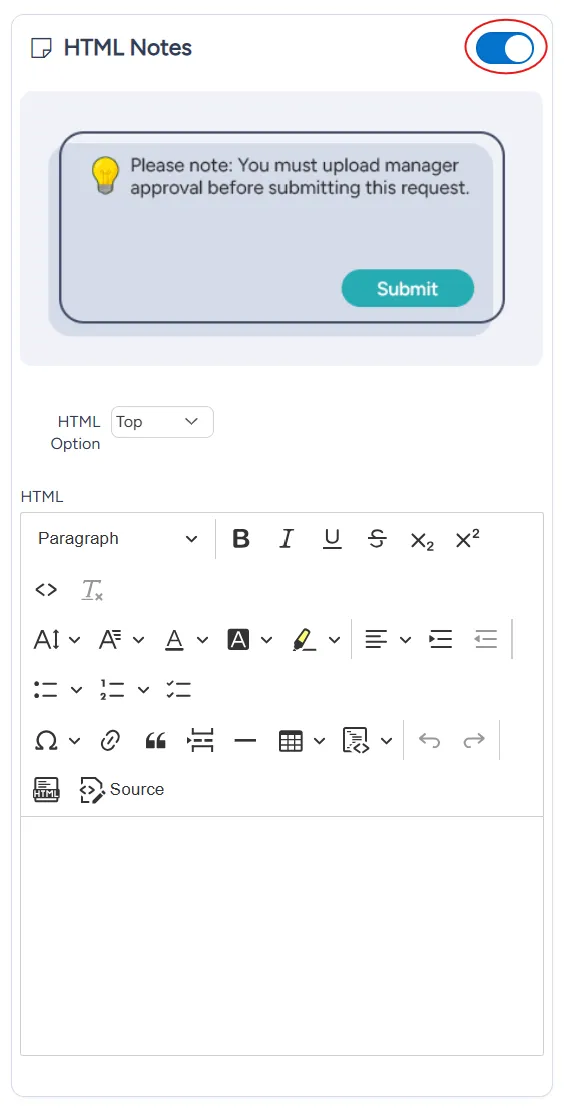
In the list of widgets, turn on the toggle for the HTML Notes widget.
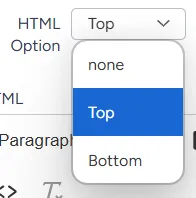
From the HTML option dropdown menu, select where on the form you want the notes to be displayed:
- Top
- Bottom
- None
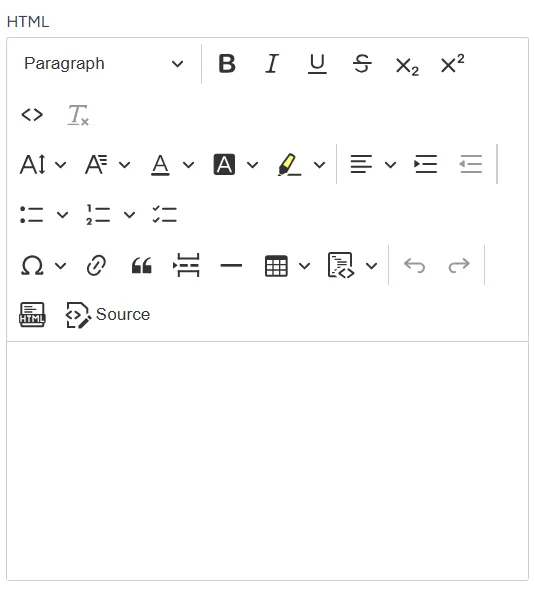
In the HTML textbox, enter the HTML code for your notes.
At the bottom right of the page, select Save.