Unassign Customer Assets widget
This widget is only available to agents. It enables an agent to unassign currently assigned assets.
For example, if an employee no longer needs a computer or has requested a new computer, this widget can be used to unassign the old computer from this employee. The computer can be assigned to a different employee or remain unassigned.
When the agent opens a ticket that includes this widget, the widget displays a list of assets currently associated with this customer, as in the following figure:
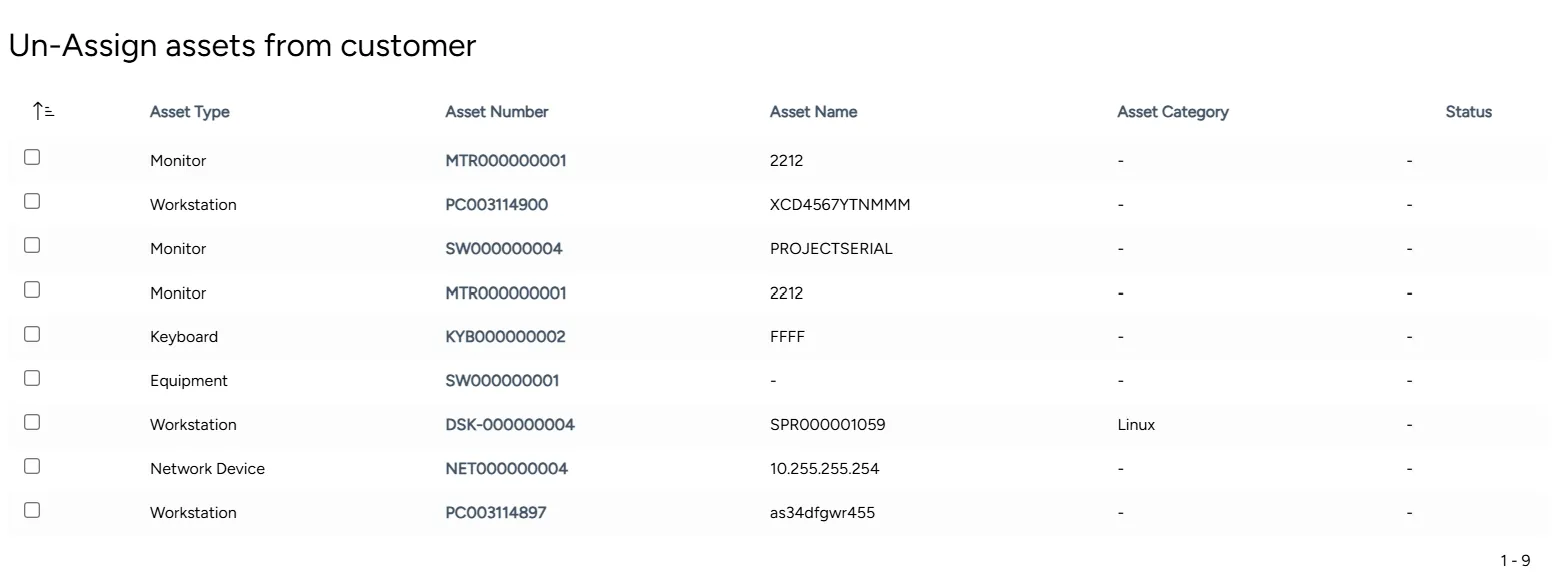
The agent can choose from the list one or more assets to unassign, or to change its owner, status, or location.
Adding or editing an Unassign Customer Assets widget
You can add a new or edit an existing Unassign Customer Assets widget at any time.
To add or edit an Unassign Customer Assets widget:
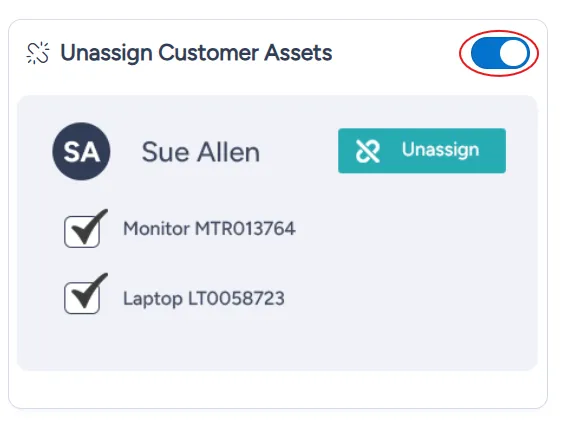
In the list of widgets, turn on the toggle for the Unassign Customer Assets widget.
At the bottom right of the page, select Save.